01
24/7 Call Handling
Use automated call handling and routing rules so customer calls can be received beyond normal desk availability.

IVR directs incoming callers through recorded options to the right department or team. Our IVR planning covers greetings, routing, working hours, missed-call handling and available call reports for your business workflow.
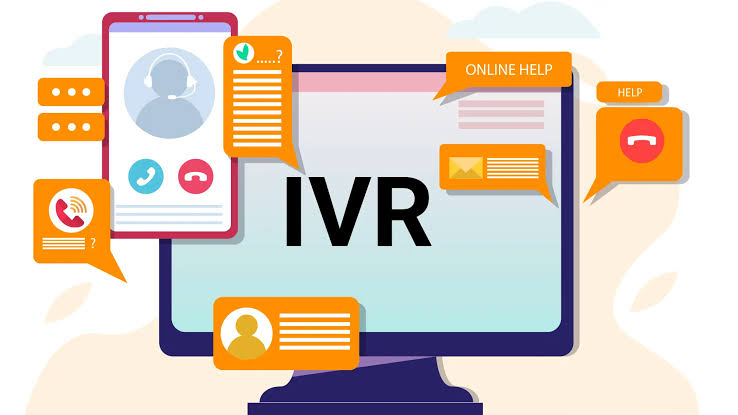
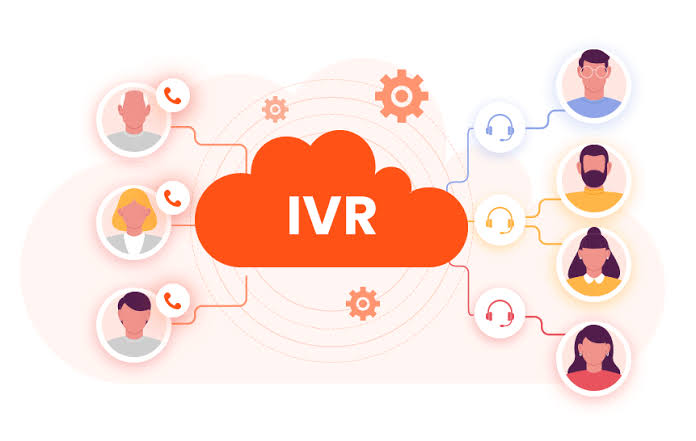
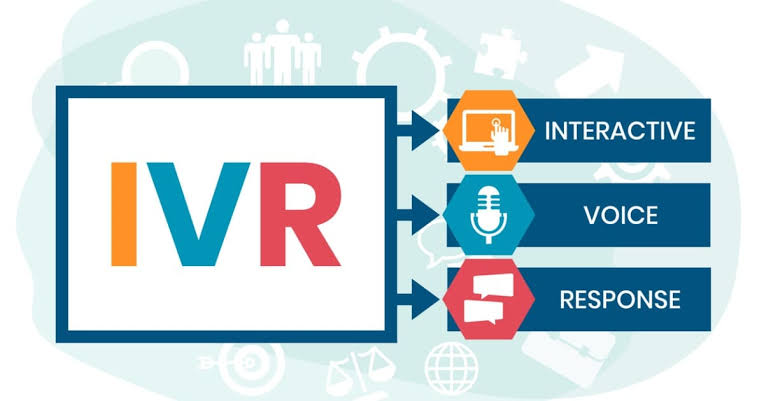
IVR (Interactive Voice Response) is a call-management system that answers and routes incoming calls using predefined options, departments and business rules. It helps businesses handle calls consistently even when call volumes are high or teams are not immediately available.
The important capabilities are listed once below so you can quickly understand what is available without repeating the same information across multiple sections.
Use automated call handling and routing rules so customer calls can be received beyond normal desk availability.
Block or restrict selected numbers according to the configured call-management rules.
Review incoming call activity and available call details for operational visibility.
Define how calls should be handled during normal business hours.
Apply a separate call flow or response for holidays and planned closures.
Record calls where the configured setup and applicable consent requirements allow it.
Track and manage missed calls so teams can follow up on unanswered customer enquiries.
Trigger an automated SMS response for configured call events where supported.
Create a welcome message and route callers to selected departments or teams.
These are practical situations where the service can support customer communication, visibility, enquiries or campaign execution.
Discuss your requirementA useful IVR keeps menus short, routes calls correctly and handles working hours, holidays and missed calls without confusion.
Define the welcome message, department options and routing path around the most common reasons customers call.
Plan working-hour, holiday and unavailable-agent behavior so callers always know the next step.
Create a clear fallback for missed or unanswered calls, including supported acknowledgement or follow-up actions.
Logs and recordings can help teams understand call demand, missed opportunities and operational bottlenecks.
Use available logs to identify peak periods, missed-call patterns and frequently selected departments.
Where supported, connect call events with customer or lead systems for better follow-up visibility.
Adjust menus, working hours or department routing as call behavior and business requirements change.
Share the expected requirement, audience, volume or campaign objective and our team will help with the suitable next step.
IVR directs incoming callers through recorded options to the right department or team. Our IVR planning covers greetings, routing, working hours, missed-call handling and available call reports for your business workflow.
An IVR system can organise calls for one office or teams serving Mumbai, Thane and Navi Mumbai. Plan the customer journey, department options and handover process before choosing numbers and routing features.
Define greeting language, menu choices, team destinations and working hours. Ask how the chosen platform handles busy lines, unanswered calls and after-hours enquiries.
Where supported, call events can feed a sales or support workflow. Confirm APIs, recording options, storage, staff access and the information needed for follow-up.
IVR helps organise incoming enquiries, support calls and department routing. A caller can choose an option instead of relying on a single person to answer and transfer every call.
Yes, working-hour rules can be planned within the supported setup. Agree the greeting, forwarding destination and missed-call process so callers know what happens next.
No. IVR generally manages incoming call journeys. Bulk voice calling sends a recorded message to a selected audience; reporting and response options depend on that service.
Separate branch or department paths can be planned within the supported setup. Specify who answers each option, working hours and the fallback destination. Number availability and routing features must be confirmed before implementation.
Share the number of staff, expected call volume, departments, operating hours and required reports. Include any CRM connection, call-recording or existing-number requirements so setup, usage and integration charges can be quoted accurately.